
Own Your Digital Images and Prints
How to Place an Order Online
Below are instructions on ordering All Digital Images and Mini Digital Package. If you would like to order multiple items and individual prints and digital images, simply follow the instructions below and add all items to cart before checking out.
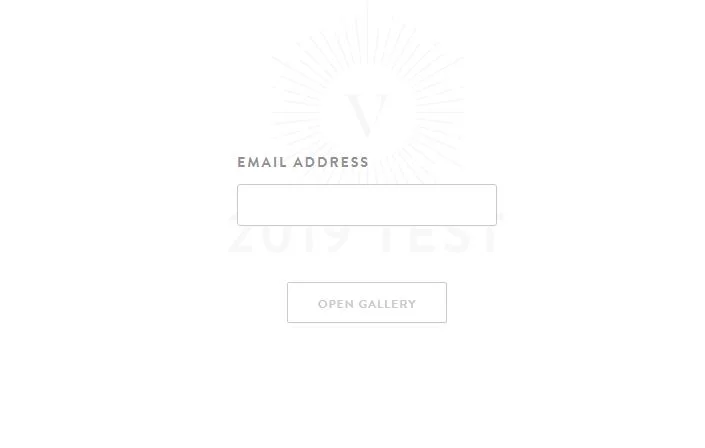
Step 1: Viewing your images
Click on the gallery link in the email sent to you and then click on Open Gallery. Enter your email address to access your centre’s gallery.
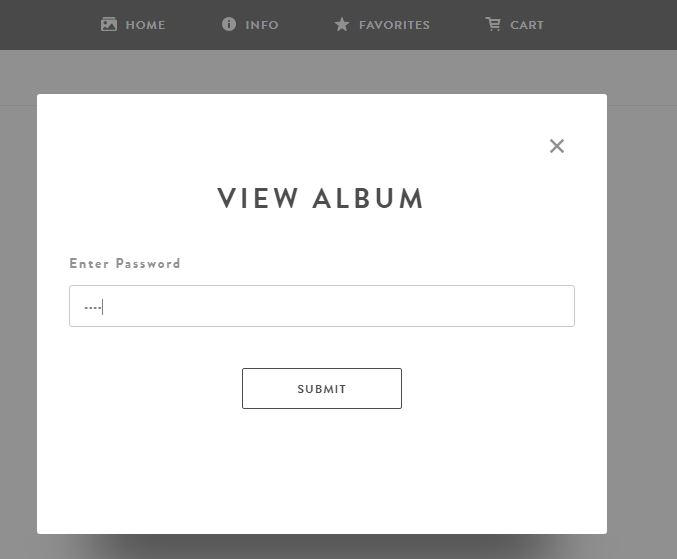
Step 2: Viewing your images
Select the name of your child and then enter the password you registered with.

Step 1: All Digital Images
To get all Digital Images in your album click on ANY image in your album to open up a preview.
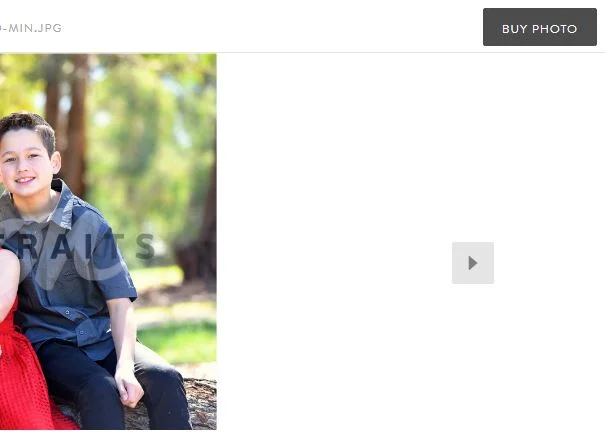
Step 2: All Digital Images
With the preview open, click on the Buy Photo button in the top right.
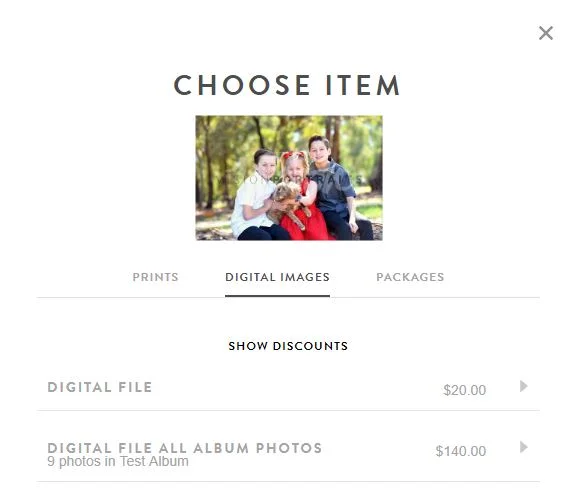
Step 3: All Digital Images
Click on the Digital Images tab and then click on Digital File All Album Photos.
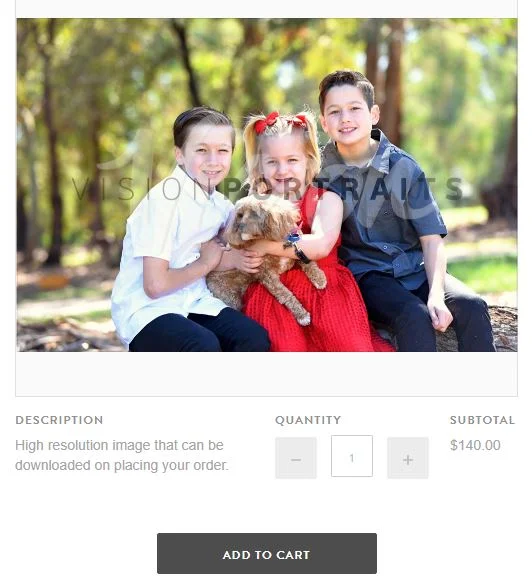
Step 4: All Digital Images
Click on Add to Cart, then click on View Cart and on the next page click on Checkout.
Add your discount code during checkout to receive your credit.
A download link for all your digital images will be sent shortly after completing your order.

Step 1: Mini Digital Package
The Mini Digital Package consists of 6 digital images. You will need to favourite 6 of your images. To do this click on an image to open up the preview.
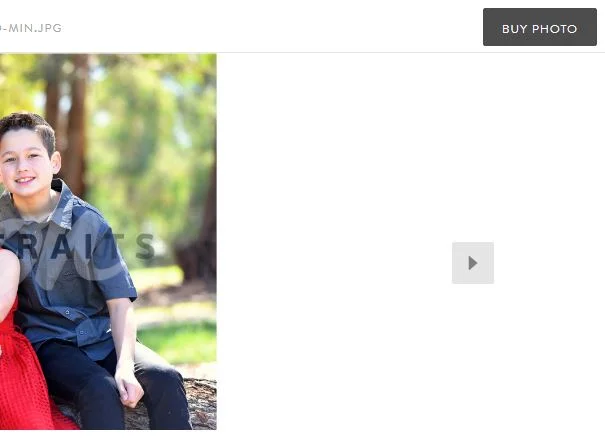
Step 2: Mini Digital Package
To select your 6 images you will need to favourite or star these images in your album. This can also include a class photo. Click on each photo you want to favourite so it opens up a preview like the one shown and then click on the Favorite button so that the word Favorite is shown overlapping the image at the bottom as shown.
Click on Back to Gallery in the top left to repeat the steps until you have favorited all 6 images.
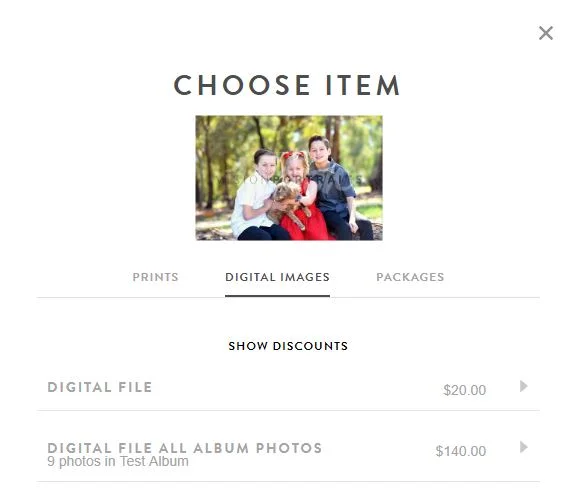
Step 3: Mini Digital Package
Click on the Digital Images tab and then click on the Mini Digital Pack.
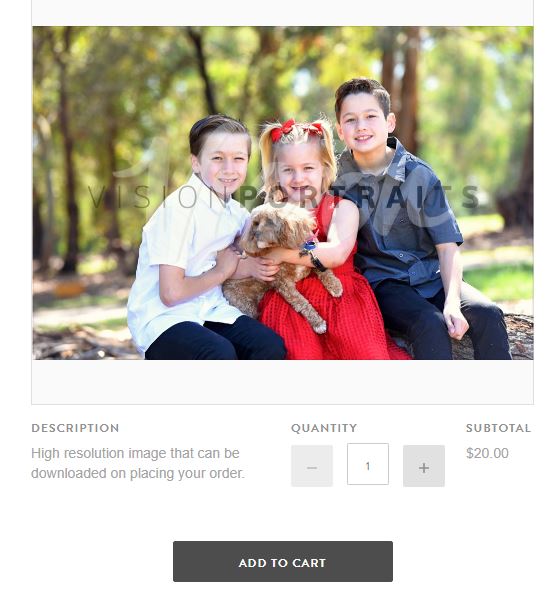
Step 4: Mini Digital Package
Click on Add to Cart, then click on View Cart and on the next page click on Checkout. You only need to add the Mini Digital Package to cart once after you have starred/favourited the 6 images.
If you have more than one child that was registered for photos, add items to your cart for all children before checking out. Each Mini Digital is for one child, so if there are siblings you will need to get separate packs for each child.
Add your discount code during checkout.
The download link for your digital images are sent to your email a few days after your order.