
Own Your Digital Images and Prints
Below are instructions on ordering your Digital Images and Packages.
Once you enter the gallery, select your album and enter the password you registered with to view your photos.
Make sure to add your discount code in the promo code field during checkout to get your $150 credit for your order.
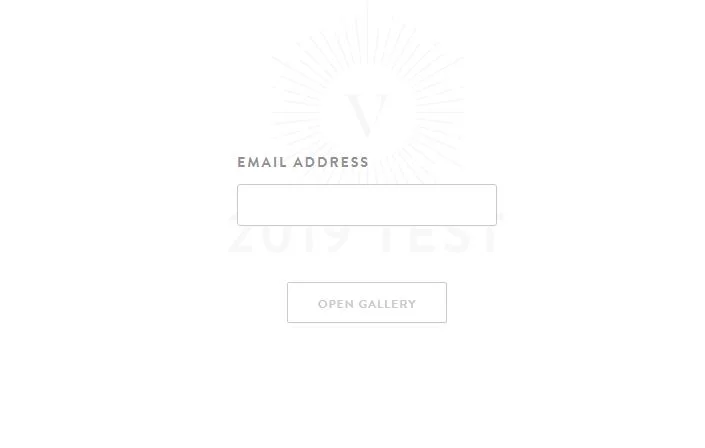
Step 1: Viewing your images
Click on the gallery link in the email sent to you and then click on Open Gallery. Enter your email address to access your centre’s gallery.
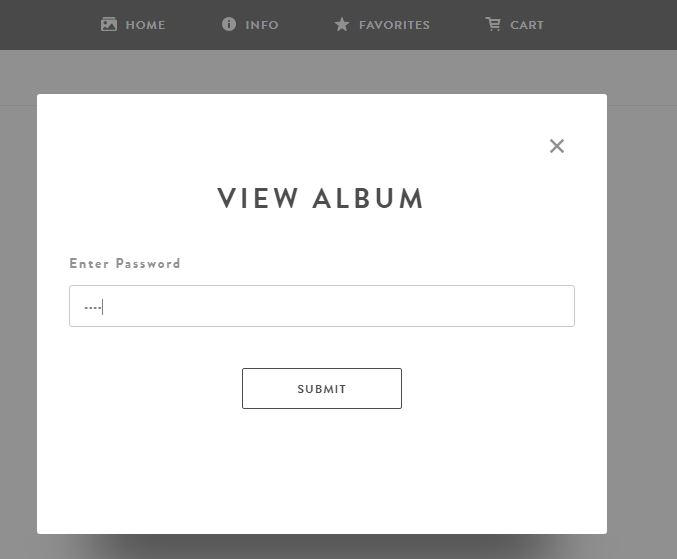
Step 2: Viewing your images
Select the name of your child and then enter the password you registered with.
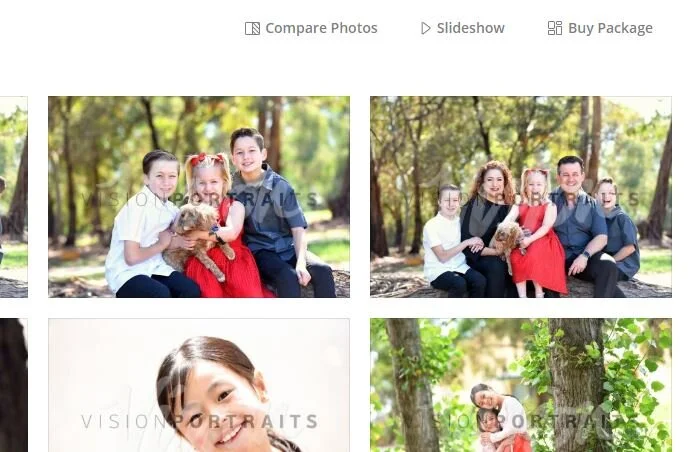
Step 1: Getting a Package
Once you enter your online album. Click on ‘Buy Package’ in the top right.
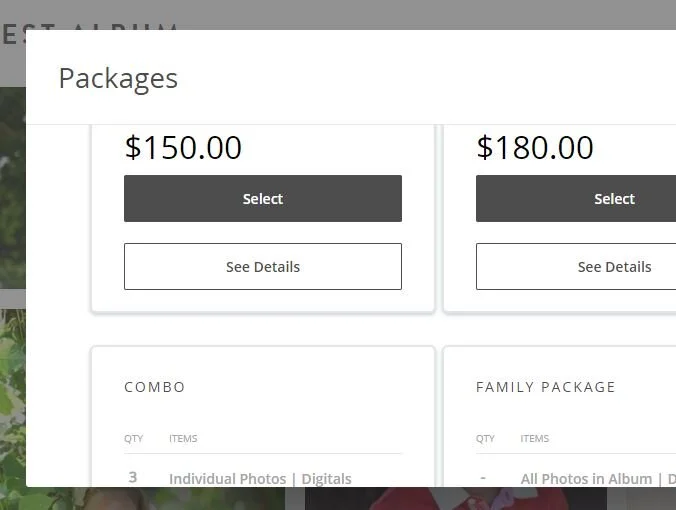
Step 2: Getting a Package
The Packages menu will appear. Click on the dark grey ‘Select’ button to pick the package you’d like.

Step 3: Getting a Package
Depending on your package selection, you will be prompted to add your selection for your images and prints. To do this you will need to click the + button and then click on your the photo you’d like within the album.
If the package you have selected contains all digital photos, you will need to click the + button once next to Choose Album and it will automatically select your album.
Do this until you have filled all the ‘+’s.
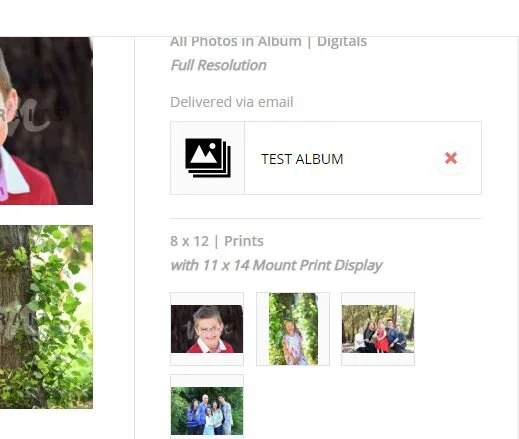
Step 4: Getting a Package
Click Add to Cart, followed by ‘View Cart’ and then ‘Checkout’.
Digital images are delivered via a download link sent to your email and are usually sent the same day you placed your order.